Permanent link to this release
New feature
Open a finished backtest on the chart
Open on Chart takes a completed run to the existing full chart with its recorded trades, strategy lines and account value. Replay and trade details help you inspect entries and exits. The price pane follows the selected symbol; the account pane keeps all trades.
Why it matters: Review the strategy against price action with more room and consistent trade context.
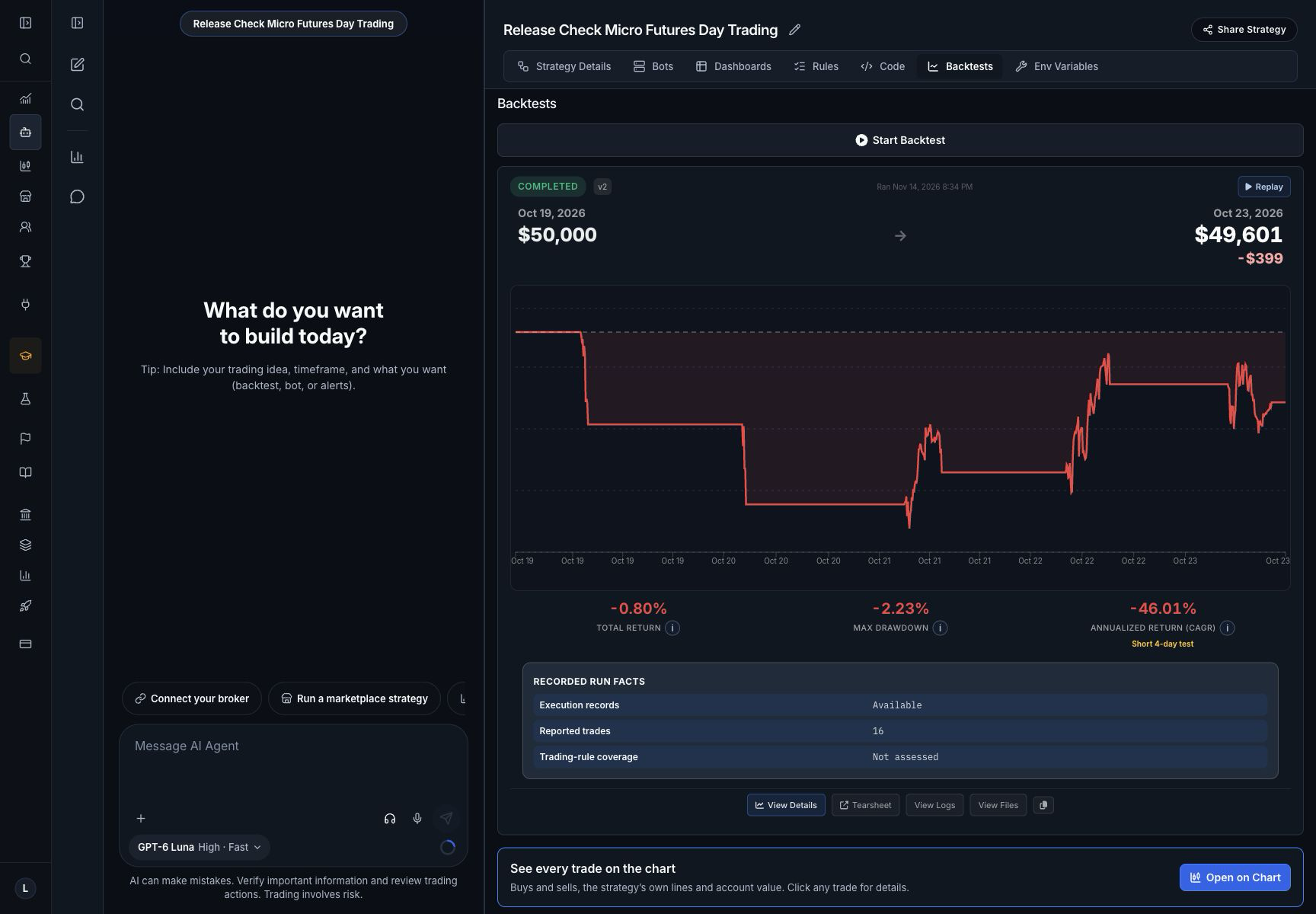
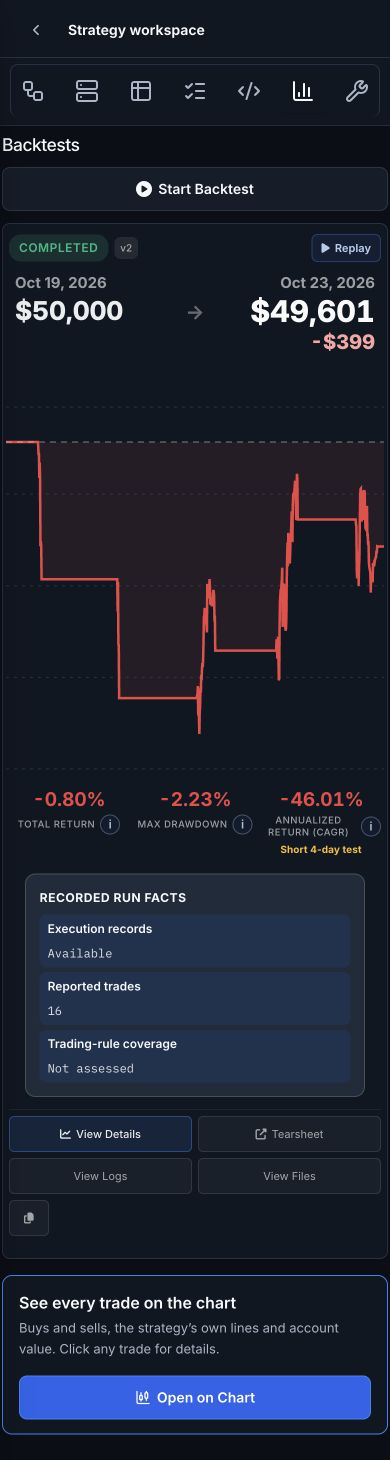
Previously: Reviewing fills meant staying in the smaller chart inside the backtest results.
Who benefits: People reviewing completed strategy backtests
Availability: Signed-in owners with access to the completed backtest; existing plan limits still apply.
Recorded backtest data and historical coverage determine what can be shown. Backtest results are simulations, not live trading results.
- Open a completed backtest.
- Choose Open on Chart beneath the result summary.
- Use replay, select the instrument and click a trade marker to inspect its details.
Improvement
The Agent gets the chart you are looking at
The shared chart context includes the current symbol, bar interval, indicator settings and strategies running on its linked account.
Why it matters: Spend less time restating which chart and strategy you mean.
Previously: An Agent request did not carry the same complete instrument, interval, indicator and linked-strategy context as the open chart.
Who benefits: People using the AI Agent with an open chart
Availability: Existing Charts and AI Agent access and usage limits continue to apply.
Sending a production Agent message uses its selected funding. Context does not authorize a trade or start a bot.
- Open an existing chart and choose its instrument and interval.
- Open AI Agent beside the chart and ask about the chart you are viewing.
Improvement
Clearer backtest data and comparison results
Relevant history refusals include the available start. Options results retain reported price-source counts, and parameter comparison values get readable labels. Supported public Kalshi history can be used without a saved broker connection unless you select one.
Why it matters: Understand the available data and compare tested parameter choices with fewer unnecessary setup steps.
Previously: Some backtest refusals lacked a useful available-history start, options price-source counts could be lost, and comparison labels could display structured parameter values poorly.
Who benefits: People backtesting options or prediction-market strategies and comparing parameters
Availability: Existing backtest entitlements and provider capabilities continue to apply.
Historical coverage varies by instrument and source. Public history does not grant trading access. Parameter comparisons are historical tests, not forecasts.
- Ask for a backtest or parameter comparison.
- Review the returned data-availability information and comparison labels.
- For an existing options run, review any reported price-source counts with its results.